

Trying to figure out if your PPC advertising is actually working? It doesn’t have to be a guessing game. You can measure success with hard numbers, not just hunches. To evaluate a PPC campaign, dig into results like click-through rate, conversion rate, and return on ad spend to see what’s working and what’s draining your budget. Once you know these metrics, you can make improvements based on real data instead of just hoping for the best.
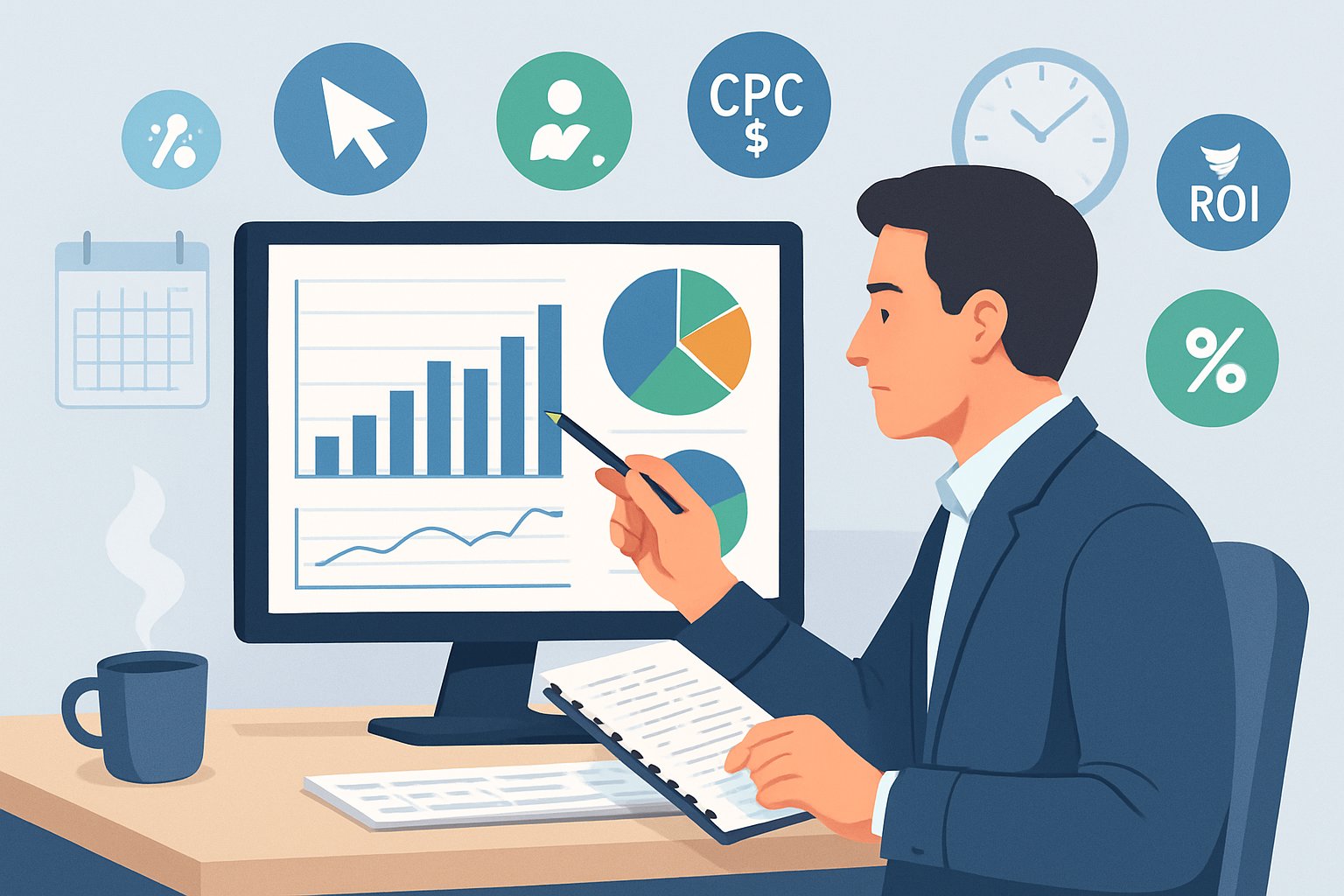
It’s a bit like a health check for your digital marketing. If an ad or keyword underperforms, you’ll catch it early and tweak things—no need to keep burning cash. With a few good tools and regular tracking, evaluating campaigns becomes a habit. Not always fun, but it’s what leads to actual growth.
Key Takeaways
- Set clear goals before you measure success
- Track the right metrics to see real performance
- Use insights to keep refining and get better returns
Setting Clear PPC Campaign Goals

Every solid PPC campaign starts with a simple question: What does success look like? When you connect your ad strategy to actual business outcomes, picking priorities and measuring progress gets a whole lot easier. The trick is to tie what matters to your company—like new customers or better margins—to the data you’re tracking every day in your ad platform.
Defining Business Objectives
Before you spend a cent on ads, get honest about what your business really needs. Is it sales growth, lead generation, or just brand awareness? Each goal calls for a different approach. If you want more eyeballs on your brand, you’ll go broad and visual. If you need leads, you’ll tighten your targeting and focus on landing pages that convert.
Teams often rush into campaign setup without clear objectives. As mentioned in The 5‑Step Process to Setting Crystal Clear PPC Goals, skipping alignment between paid media strategy and your business model can hurt your profits. Spell out what success means—like “boost qualified demo requests by 20%” or “hit a 5x return on ad spend.” Simple, measurable actions give you a target and keep you accountable.
Write down your goals and check in on them every month. Priorities shift as your business changes. When you’re clear on the “why,” the “how” feels way less overwhelming.
Aligning KPIs With Campaign Goals
Once you know your outcome, match it to key performance indicators (KPIs) that show real progress. If you want lead generation, you’ll probably track cost per lead (CPL) or conversion rate. For brand awareness, you’ll look at impressions, reach, or view rate.
KPIs are like road signs—they tell you if you’re heading in the right direction. I’ve watched teams chase click‑through rates while ignoring that those clicks don’t turn into conversions. That’s just burning budget for nothing. Tie your KPIs to your main goal so every number matters.
Here’s a quick way to think about it:
| Campaign Goal | Matching KPI | Example |
|---|---|---|
| Lead generation | Cost per lead (CPL) | $20 per qualified signup |
| Brand awareness | Impression share | 70% share across top keywords |
| E‑commerce sales | Return on ad spend (ROAS) | 4:1 ratio by quarter end |
You’ll find more ways to track progress in frameworks like Simplify PPC Analysis, and you can always tweak your KPIs as you get more data.
Identifying Primary PPC Metrics
After you set KPIs, focus on the metrics that actually drive them. Metrics like CTR, CPA, and ROAS show you how your messaging, targeting, and bidding are working. Make sure you know what each metric really means. A high CTR means your ads get attention, but it doesn’t always mean you’re making money. A low CPA looks great, but not if you’re not getting enough volume for real growth.
I like to check metrics weekly and make small tweaks instead of huge changes. That way, you stay on top of trends without losing the thread. If you want more structure, guides like Setting and Achieving PPC Campaign Goals lay out how to use measurable targets and metrics to sharpen your strategy.
Don’t get caught up in vanity metrics. Stick to the ones that actually move your business forward—sales, retention, customer quality. If your data matches what’s happening in the real world, you’re finally measuring what matters.
Core Metrics for PPC Campaign Evaluation
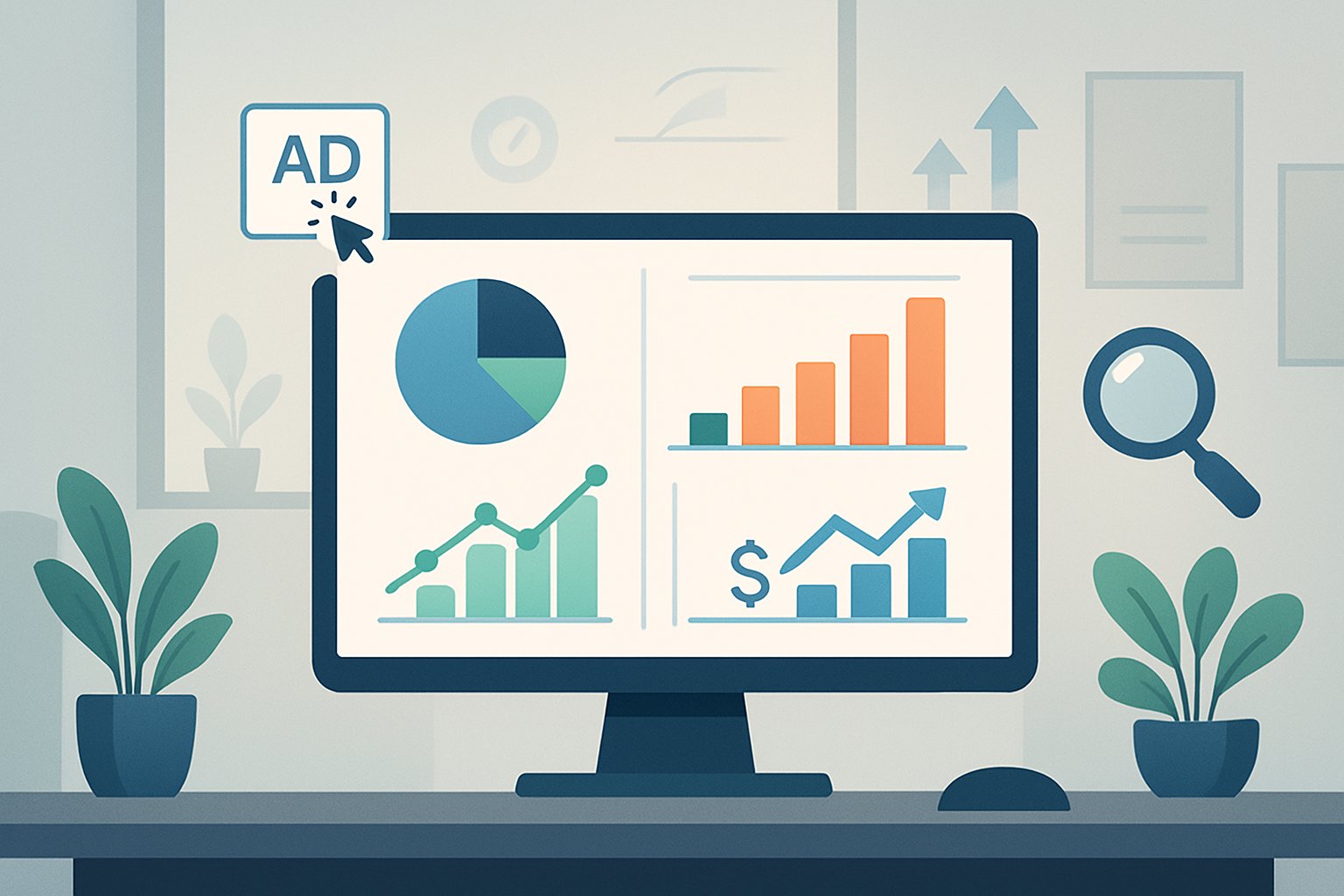
Evaluating a campaign comes down to understanding the numbers that actually matter—numbers that reflect what users do and how your ads perform. The main metrics show whether your ads grab attention, drive action, and stay cost-effective over time. That’s what leads to profitable growth and smarter spending.
Click-Through Rate (CTR)
Click-Through Rate tells you how many people click your ad after seeing it. It’s just (Clicks ÷ Impressions) × 100. A high CTR usually means your ad copy, keywords, and targeting are on point. If CTR drops, your message might be missing the mark.
In my experience, tweaking headlines and calls to action can bump up CTR more than just fiddling with bids. Even a tiny change—like being more specific—can make a difference. For what it’s worth, AgencyAnalytics says the average CTR for Google search ads is about 3%, but it really depends on your industry.
Keep an eye on CTR trends. A small dip isn’t the end of the world, but if you see a steady slide, check your ad relevance, keyword match types, and landing page. CTR doesn’t tell the whole story, but it’s a good early warning sign.
Conversion Rate
Conversion Rate shows what happens after someone clicks. It’s the percent of people who do what you want—buy, sign up, fill out a form—out of total clicks. The math: (Conversions ÷ Clicks) × 100.
You might have an awesome CTR, but if nobody converts, you’re just paying for window shoppers. I’ve seen campaigns tank because of a clunky landing page or confusing checkout. User experience matters just as much as your ad copy.
Benchmarks are helpful, but don’t obsess over them. Semrush says typical e‑commerce conversion rates run 2% to 5%. What matters more is whether your rate is improving over time. Test your landing pages, make forms shorter, and make sure your offer fits what your audience wants.
Quality Score
Quality Score is Google’s way of grading your ads. It combines ad relevance, expected CTR, and landing page experience into a score from 1 to 10. Higher scores mean lower costs and better ad spots.
It’s kind of your campaign’s reputation. If your ad text matches your keywords and your landing page delivers on the promise, your score goes up. If you overpromise or mislead, it drops. Gartner’s PPC guide points out that improving Quality Score often gets you better ROI than just raising bids.
You can’t fix Quality Score in a day—it takes decent targeting, relevant messaging, and a good user experience. I check keyword-level scores weekly; sometimes a low score flags a problem I’d otherwise miss.
Cost‑Per‑Click (CPC)
CPC—Cost‑Per‑Click—is how much you pay for each click. It’s just Total Spend ÷ Total Clicks. A lower CPC isn’t always better. Cheap clicks from the wrong people just waste money.
I always ask: Would you rather pay $2 for a click that never converts or $10 for one that brings in a $5,000 sale? You’ve got to balance CPC with conversion data. For context, GR0 says CPCs for search ads usually run $2.50–$3.00, but some industries (like legal or finance) pay way more.
Watch CPC trends, but don’t get stuck on the number. If CPC goes up but your conversion rate holds steady, you might still be in good shape. The goal isn’t the cheapest click—it’s the most profitable traffic.
Analyzing Return and Cost Metrics
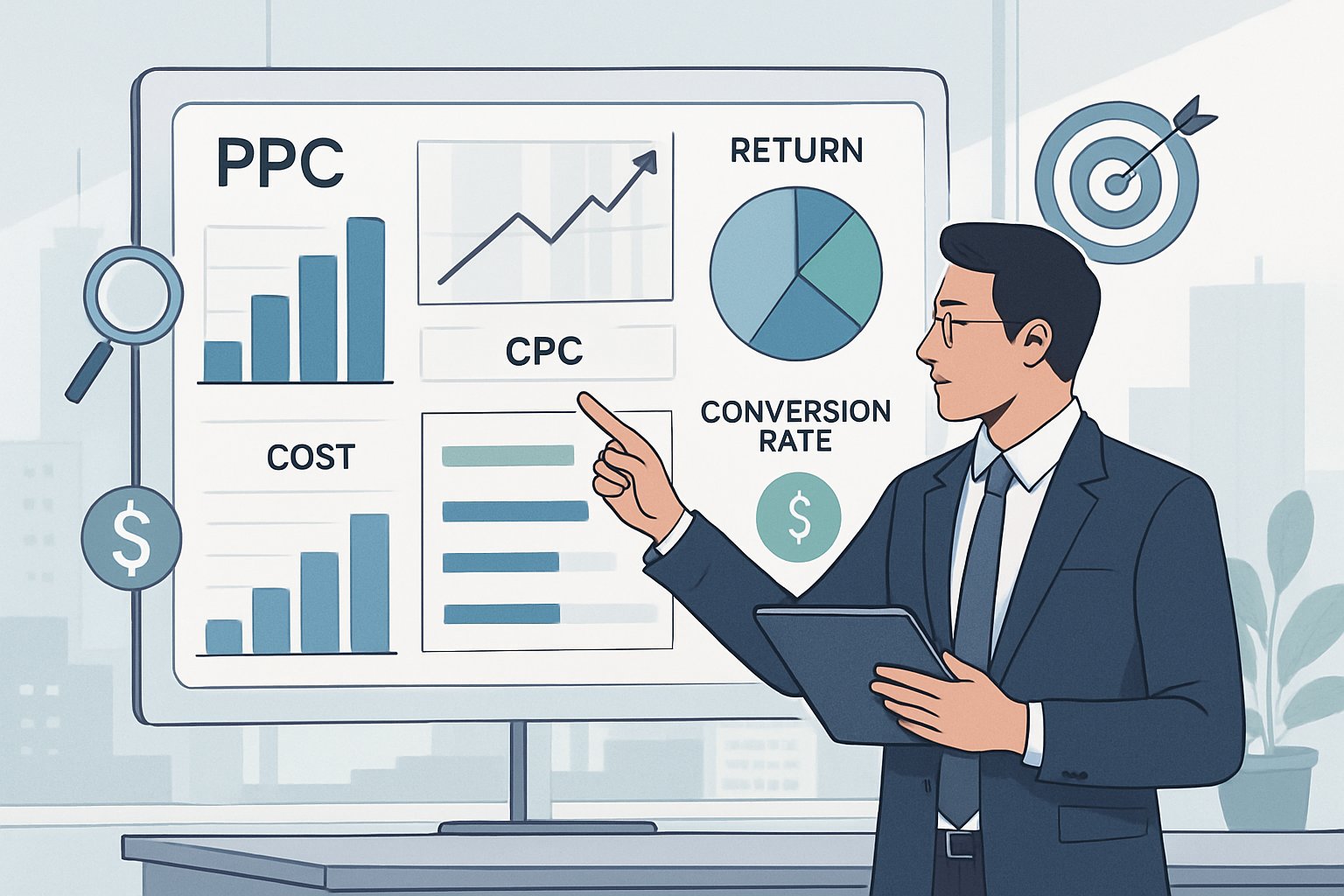
If you want to know if your campaign’s working, don’t just look at clicks or impressions. You need to see how your spend turns into returns, what each conversion costs, and what kind of long-term value you’re getting from each customer. That’s where the real efficiency (or waste) shows up.
Return on Ad Spend (ROAS)
Return on ad spend (ROAS) shows how much revenue your ads bring in for every dollar you spend. It’s the simplest way to check if your pay-per-click strategy is actually making money. For example, a ROAS of 4:1 means every dollar spent brings back four.
Formula:ROAS = (Revenue from ads ÷ Cost of ads)
There’s a solid breakdown of how to use this metric in this guide to PPC analysis. If you’re seeing strong ROAS, your targeting and offers are probably dialed in. But sometimes, a high ROAS hides missed growth if your ad reach is too narrow. Testing new audiences or lowering bids can sometimes lead to better long-term returns, even if ROAS drops a bit in the short run.
When you compare ROAS across channels, look for patterns. Sometimes a campaign with a slightly lower ROAS but higher volume or better retention gives you more total ROI. It’s all a balancing act—profit, scale, and staying power.
Cost Per Acquisition (CPA)
Cost per acquisition (CPA), sometimes called cost per conversion, tells you how much you’re spending to get a new customer or lead. It’s one of those numbers that can quietly eat into your margins if you’re not careful. If your CPA is higher than what you make from a sale, something’s gotta give.
Formula:CPA = Total ad spend ÷ Number of conversions
There’s a solid overview of CPA benchmarks and ways to lower costs in this article on PPC metrics. I’d suggest watching both average CPA and marginal CPA—the latter can sneak up as you scale up campaigns.
I’ve watched plenty of marketers chase lower click costs, only to see CPA rise because their conversion tracking was off or their landing pages just weren’t pulling their weight. Sometimes, a tiny tweak to your ad copy or audience targeting will drop acquisition costs faster than just cutting bids. Honestly, it’s rarely just about lowering bids.
Customer Lifetime Value (LTV)
Customer lifetime value (LTV) is all about the total revenue you’ll get from a customer over the whole time they stick with your brand. It’s the bridge between marketing spend and real business growth.
Formula (simplified):LTV = Average purchase value × Purchase frequency × Duration of relationship
LTV is what lets you decide how much you can actually afford to spend to get each customer. If someone brings in $600 over a year, a $100 CPA feels steep—unless you remember those repeat buys. Analytify’s 2025 PPC guide talks about how balancing LTV and CPA is where you find the real profit.
It’s tempting to chase quick wins, but if you ignore LTV, you’re just pouring water into a bucket with a hole in it. You want loyal customers who stick around. With a higher LTV, you can outbid competitors and still keep your ROI looking good.
Evaluating Ad and Landing Page Performance

PPC results hinge on whether your ad grabs attention, your landing page follows through, and your call to action actually nudges people to convert. If one part stumbles, the whole thing gets wobbly and you’ll see leads drop off.
Ad Copy Effectiveness
Your ad copy decides if someone clicks or just keeps scrolling. Honestly, clarity wins over cleverness every time. Short, direct headlines with a clear benefit usually outperform flowery language. When the ad matches what someone typed into Google, you build trust right away.
Once, I swapped out “Buy Now” for “Shop Today” and saw click‑through rates jump by 15%. It’s wild how a tiny change in tone or urgency can swing results.
Keep tabs on metrics like CTR and Quality Score. Landingi’s PPC reporting guide points out that CTR really shows if your message is resonating. Line up your ad variations in a table or chart and look for what’s working—don’t just guess.
| Element | What to Test | Why It Matters |
|---|---|---|
| Headline | Relevance, keywords | Drives first impression |
| Description | Tone, clarity | Reinforces the promise |
| Display URL | Readability | Adds trust and context |
Mix things up often—ads get stale faster than you’d expect.
Landing Page Optimization
Even the sharpest ad flops if your landing page doesn’t back it up. When people click, they expect to see the same promise and vibe. If not, they bounce. Double-check that your design and copy confirm they’re in the right place.
I once spent weeks tightening a client’s post‑click experience—just making the copy clearer and ditching an extra form field. Conversions doubled. No extra spend needed. It’s almost always about removing friction, not packing in more features.
Watch metrics like bounce rate, time on page, and scroll depth. Tools like EventTracker from Landingi show you what users actually do—whether they start forms, click CTAs, or just bail. Change one thing at a time, then see what shifts. Don’t overcomplicate it.
Quick wins I lean on:
- Mirror your ad headline in the landing page title.
- Stick to one clear goal per page.
- Use layouts that steer eyes to the action, not clutter.
Call to Action (CTA) Analysis
Your CTA is where interest turns into action. If that button or link isn’t getting clicked, conversions stall—even if your ad and page are on point. First, check if it’s visible—above the fold, big enough, and obvious.
You don’t need to yell; you just need to give direction. A straight-up phrase like “Get My Quote” usually beats vague stuff like “Submit.” Every industry has its own magic words, so keep testing.
Use click maps or behavior tracking to spot if folks hover but don’t click. If they’re dropping off right before the CTA, maybe your offer needs more oomph or credibility.
Think about placement, design, and motivation:
- Placement – Put it where people are ready to decide.
- Design – Make it pop with contrast colors.
- Motivation – Pair it with a quick benefit (“Start Saving Today”).
A well-tested CTA quietly turns browsers into buyers. It’s the closer that rarely gets enough credit in PPC.
Advanced Performance Insights and Segmentation

If you want to make smarter PPC moves, you’ve got to dig deeper than conversion rates. There’s a lot to learn from where your ads show up, how different audiences and devices behave, and—let’s be honest—where money leaks away on junk clicks.
Impression Share & Ad Position
Impression share tells you how often your ads show up compared to how often they could. Low numbers often mean you’re losing auctions—sometimes because your budget’s too tight, sometimes because your ad rank needs work. I’ve seen campaigns jump from 40% to 80% share just by making the ads better, not by spending more.
Auction insights data shows which competitors are grabbing more eyeballs. If someone keeps outranking you, it might be time to tweak your ad relevance or add new extensions. Those extra sitelinks or callouts can bump up your ad position even if your bids stay put.
| Metric | What It Tells You | Quick Fix |
|---|---|---|
| Impression Share | Visibility potential | Adjust bids or improve ad quality |
| Ad Rank | Competitive standing | Test ad copy and landing pages |
| Top-of-Page Rate | Frequency of premium placement | Use ad extensions to boost quality |
Check these weekly—things can shift fast during busy seasons or when competitors get aggressive.
Want a deeper dive? How To Analyse PPC Performance Metrics is worth a look.
Device and Audience Performance
Not all clicks are created equal. Device performance can make or break your conversion rates. Mobile clicks might be cheaper, but if your landing page loads slow, conversions tank. Meanwhile, desktop users might poke around more and send better leads. I always break out results by device—desktop, tablet, mobile—to see where to trim bids or double down.
Audience segmentation is another must. Compare new visitors to remarketing lists, or break things down by age or income. Meta and Google Ads both let you slice audiences in ways that can totally change your creative and bidding strategy.
Here’s a tip: look at device impressions and conversion rate side by side. That’s where you’ll catch stuff like tons of mobile impressions but almost no engagement—which usually means your mobile experience needs help, not your targeting.
For a cross-platform guide on segmentation and tracking, try The 2025 Guide to PPC Analysis.
Negative Keywords & Wasted Spend
Nothing drains budget faster than irrelevant clicks. A lot of advertisers don’t realize how much wasted spend hides in broad or phrase match terms. That’s why I’m always updating negative keywords. I pull search query reports every week and flag anything with high spend, zero conversions. You’d be surprised—sometimes 10–20% of spend is just dead weight.
Negative keyword management is like cleaning out your closet—skip it for a while, and the junk piles up. Use themes, not just single words. If you keep seeing “free,” “cheap,” or “careers” in the wrong searches, block those root words.
Here’s how I usually do it:
- Export all search queries from the last 30 days.
- Sort by cost and find those with no conversions.
- Group phrases by intent, then add high-cost irrelevant ones as negatives.
Doing this regularly can seriously cut waste and boost your ad visibility for the stuff that actually matters. For more on structured PPC analysis, check the PPC Analysis Guide 2025.
Optimization and Data-Driven Decision Making

Every click and impression in your PPC campaign leaves a trail of performance data you can use to make smarter calls. By testing ad tweaks, shifting budgets, and watching auction results, you can keep refining things and react to changes in competition or user behavior. It’s an ongoing process—never quite finished, but always moving forward.
A/B Testing & Experimentation
A/B testing (split testing, if you prefer) lets you pit different versions of ads, landing pages, or keywords against each other to see what actually works. When you test just one element at a time—like headlines, calls to action, or visuals—it’s way easier to see what’s moving the needle. I’ve seen even a small tweak, like swapping out a stale ad image, nudge the click-through rate up by a surprising amount.
Try tracking your results in a simple table:
| Element Tested | Variant A | Variant B | Winner |
|---|---|---|---|
| Headline | “Book Your Demo” | “Try It Free Today” | B |
| Image | Product photo | Person using product | A |
Let your tests run long enough to collect solid data. And don’t just stop after one experiment—keep going across different campaigns and audiences. That’s where you start to spot patterns and actually boost your conversion rate. It makes ongoing PPC performance analysis a lot more trustworthy, too.
Budget Allocation Strategies
Smart budget allocation is what separates steady growth from just burning through your ad dollars. Instead of splitting funds evenly, look at which campaigns, keyword groups, or audiences are actually bringing in results. If something’s delivering a high ROI, why not shift a bit more budget there and pull back from the ones that aren’t?
Usually, I sort campaigns by funnel stage. Top-of-funnel ads get a lighter budget for awareness, while I’ll pour more into remarketing at the bottom for those direct conversions. You can play with flexible bidding, too—maybe automated target CPA or just setting manual bid caps to keep spending in check.
Tools that support data-driven PPC management, like the real-time monitoring systems in Vendasta’s PPC strategies guide, can catch cost spikes before they get out of hand. Staying close to your data gives you more control—instead of letting algorithms make all the calls.
Using Auction Insights & Benchmarking
Auction insights show how your ads stack up against competitors in the same auctions. You’ll see things like impression share, overlap rate, position above rate, and top-of-page percentage. The first time I dug into these in Google Ads, I realized a competitor kept outbidding us on mobile. We ended up shifting spend and tweaking device bids to catch up.
Check your benchmarks at least once a month. Compare your current click-through rate, cost-per-click, and conversion rate to your old numbers or industry averages. If your CTR drops but impression share stays high, maybe your creative’s just getting tired. If both are slipping, you’re probably losing ground in the auction and need to rethink bids or ad quality.
Competition is always shifting, so getting a handle on these dynamics helps you fine-tune your bidding strategies and run leaner campaigns. The advice in Acuto’s guide on predictive PPC analytics digs into how smarter modeling can predict which campaigns are worth more investment, turning your data into something you can actually use for forecasting.
Frequently Asked Questions
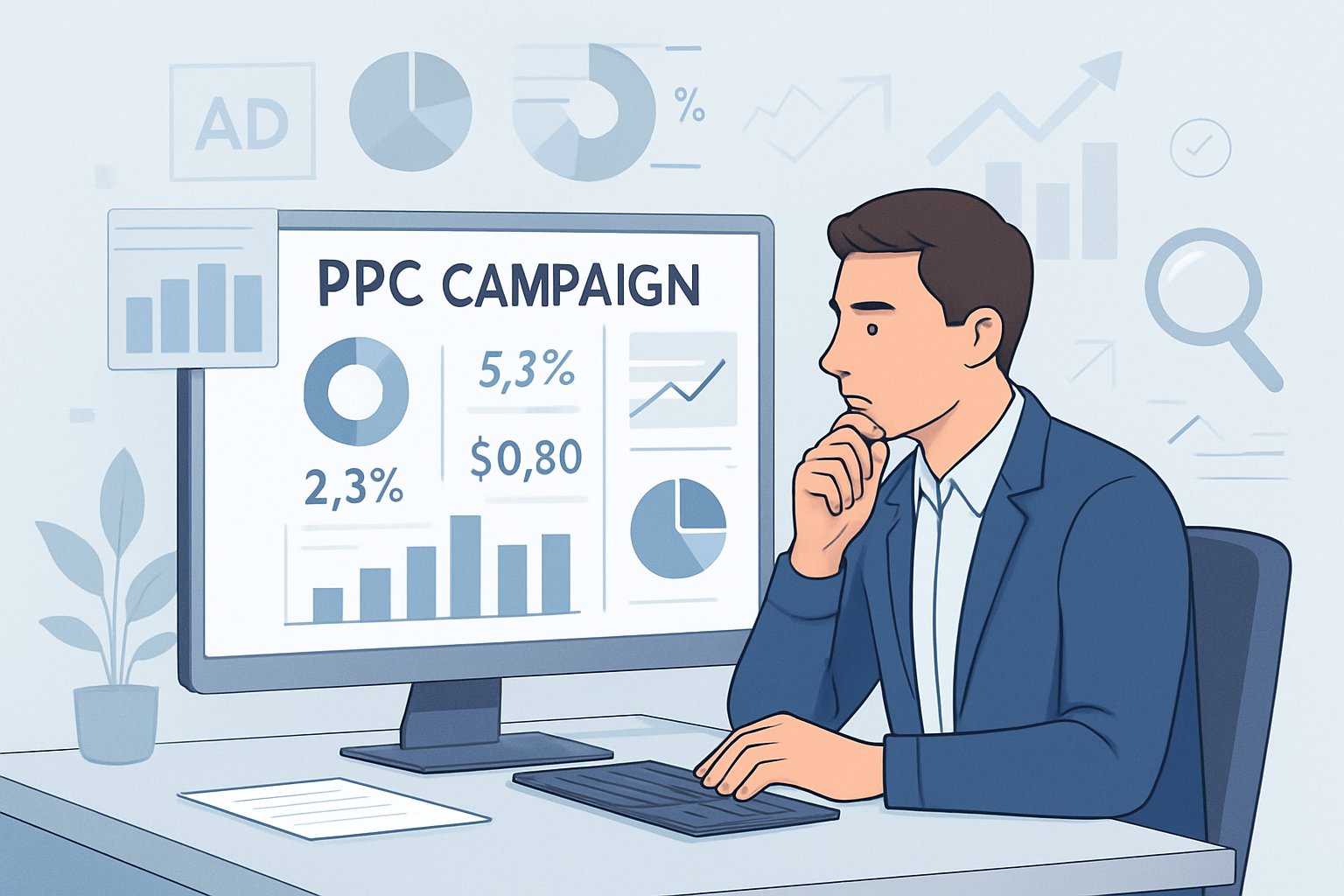
Evaluating a pay-per-click (PPC) campaign isn’t just about glancing at a few numbers. You need to really understand your performance data, review things regularly, and have the right tools to figure out what’s working and what’s just burning budget.
Once you know how to measure ROI, spot engagement trends, and make smart tweaks, your campaign decisions start to feel a lot less like guesswork and more like actual strategy.
What metrics should I consider when measuring PPC campaign success?
If you’ve run a PPC campaign, you know the thrill of watching clicks roll in—but clicks alone don’t tell you much. The main metrics to watch are u003cstrongu003eclick-through rate (CTR)u003c/strongu003e, u003cstrongu003ecost per click (CPC)u003c/strongu003e, u003cstrongu003econversion rateu003c/strongu003e, and u003cstrongu003ereturn on ad spend (ROAS)u003c/strongu003e.u003cbru003eu003cbru003eCTR shows if your ad’s catching attention. CPC tells you what you’re paying for those eyeballs. Conversion rate is where the rubber meets the road—are people actually doing what you want? u003ca href=u0022https://hawksem.com/blog/ppc-analysis/u0022u003eHawkSEM’s guide on PPC analysisu003c/au003e points out that tracking these together gives you a fuller picture of your ad spend’s real impact.u003cbru003eu003cbru003eI also keep an eye on u003cstrongu003eQuality Scoreu003c/strongu003e—it’s Google’s way of rating your ad’s relevance. Higher scores can mean lower costs and better ad placements, so it’s worth paying attention to.
What are the best practices for conducting a PPC campaign evaluation?
Consistency is key. If you don’t measure regularly, you can’t really improve. I like to check in on performance at least weekly, then do a deeper dive every month.u003cbru003eu003cbru003eCompare your campaigns or ad groups side by side to see which ones actually drive leads or sales efficiently. u003ca href=u0022https://www.businesstechweekly.com/digital-and-online-marketing/social-media-marketing/ppc-analysis/u0022u003eBusinesstechweekly.com’s PPC analysis guideu003c/au003e suggests looking for trends, not just reacting to random spikes or dips—something I learned the hard way after making changes too fast.u003cbru003eu003cbru003eAnd always tie your findings back to your business goals. A lower CPC isn’t great if your conversions tank. Sometimes, the best campaigns cost more up front but bring in better long-term value.
Which KPIs are crucial to track for an effective PPC strategy?
No single list fits everyone, but a few KPIs really matter. CTR, CPC, and conversion rate are the classics. Cost per acquisition (CPA) and ROAS cover the financial side.u003cbru003eu003cbru003eTools like u003ca href=u0022https://analytify.io/ppc-analysis/u0022u003eAnalytify’s 2025 Guide to PPC Analysisu003c/au003e recommend picking KPIs that match your goals—maybe it’s brand awareness, maybe it’s leads, maybe it’s straight-up sales. If you’re focused on awareness, impressions and reach matter more. For sales, ROAS and CPA are the ones to watch.u003cbru003eu003cbru003eFrom my own experience, I’d say u003cstrongu003ead relevanceu003c/strongu003e and u003cstrongu003elanding page experienceu003c/strongu003e are underrated. They really shape your conversion rates and Quality Score, but people don’t always pay enough attention to them.
What templates or tools can assist in evaluating a PPC campaign’s effectiveness?
I’m a big believer in tools that make reporting easier without adding clutter. Google Ads gives you a solid starting point, but honestly, I find myself turning to outside platforms for more clarity. For instance, the u003ca href=u0022https://www.softwaresuggest.com/blog/ppc-audit/u0022u003ePPC Audit Guide from SoftwareSuggestu003c/au003e helps organize reviews so you don’t overlook important data points.u003cbru003eu003cbru003eTemplates can save time, especially if you’re juggling several clients or campaigns. A straightforward spreadsheet—just tracking date ranges, KPIs, and a few notes on optimization—can really help keep things organized.u003cbru003eu003cbru003eIt’s worth checking out visualization tools like Data Studio or dashboards that pull in data from different sources. Seeing trends across metrics in one place makes it much easier to spot issues and jump on fixes before things get out of hand.
Leave a Reply